
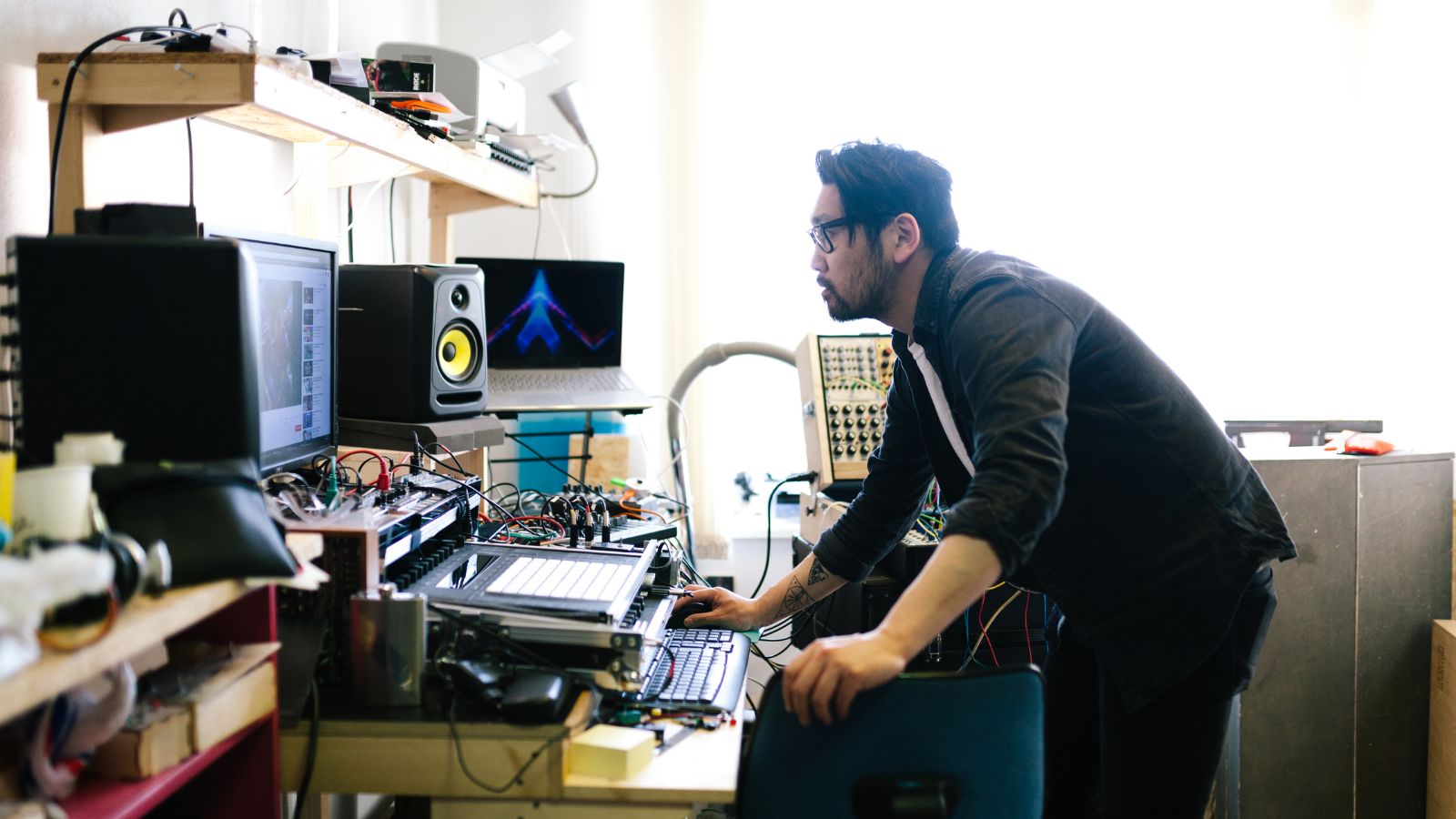
For the modern independent artist, the “tour” has evolved. It is no longer just about packing a van and hitting the road from city to city. Today, your tour is digital. It takes place on the screens of millions of potential fans scrolling through TikTok, YouTube, and Instagram. In this landscape, the visual experience is just as loud as the audio.
You have spent countless hours in your home studio perfecting the mix, tweaking the EQ, and mastering the levels. The track is radio-ready. But when it comes time to release, you hit a wall. To capture attention in a saturated feed, you need visuals that match the intensity and quality of your sound.
Historically, this has been the bottleneck. High-quality video production demands a budget most indie artists don’t have, or technical skills that take years to master. You are left choosing between expensive agencies or spending weeks learning complex timeline editing software.
But what if your studio had a visual instrument as intuitive as your midi controller?
The Rise of the AI Music Video Generator
We are witnessing a paradigm shift in content creation. Creativity should not be bottlenecked by technical know-how or lengthy workflows . The missing piece in your production toolkit is now available: the ai music video generator.
This technology is not about replacing the human artist; it is about acting as a force multiplier for your vision. freebeat AI empowers users of any skill level to bring their vision to life in seconds, from social media clips to cinematic sequences . By combining best-in-class AI models with automation, we make studio-grade video creation accessible to all—no editing skills required .
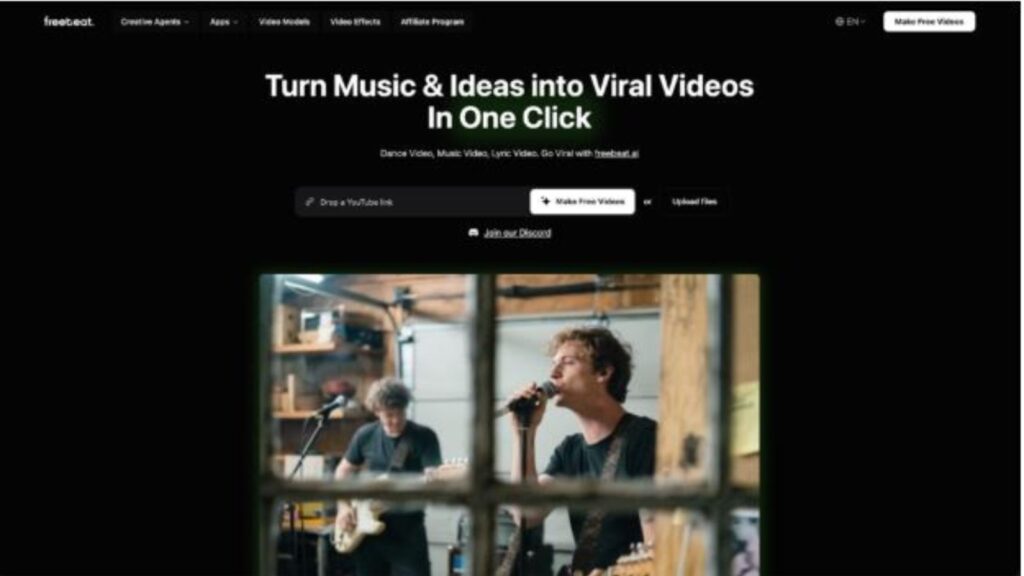
The premise is simple but revolutionary. You upload any track from Spotify, YouTube, SoundCloud, Suno, or a local file . In moments, the system acts as your personal director, editor, and VFX artist, delivering a finished product that looks like it cost thousands to produce.
The Rhythm is King: Beat-Synced Precision
As a musician, you know that rhythm is the heartbeat of any great track. A video that drags or cuts off-beat breaks the immersion instantly. This is where a standard video editor often fails the musician—it requires manual frame-counting to get the sync right.
Our ai music video maker is built differently. It harnesses advanced AI that analyzes beats, mood, and tempo to sync visuals seamlessly in one click . The engine detects BPM, rhythm changes, and emotional intensity for frame-perfect synchronization .
Whether you are dropping a high-tempo drum and bass track or a slow-burn acoustic ballad, the AI adapts. It generates beat-synced animations and mood-based scenes that lock into the groove of your music . The result is a video that feels hand-edited, with cuts and motion that breathe in time with your audio. This fusion of ease and depth sets us apart from platforms that force users into rigid templates .
Accessing a Hollywood-Level Art Department
One of the biggest misconceptions about AI video is that it looks generic. With freebeat AI, you have full style control to define the mood, theme, or genre for adaptive visuals .
You are not limited to a single aesthetic. Our platform integrates a multi-model engine that allows you to switch between industry-leading tools like Pika 2.2, Kling 2.0, Veo 2, and Runway Gen-3 . Each model offers distinct styles—from hyper-realistic motion to surreal animations and cinematic depth .
Imagine typing a text prompt like “cyberpunk city in rain” or “vintage 90s grunge concert” and watching your video transform in seconds . You can refine visuals on the fly to match energy drops, choruses, or transitions . For artists who want to tell a story, you can even maintain character consistency across shots, ensuring narrative coherence throughout the music video .
This is the equivalent of having a Hollywood art department sitting in your laptop, ready to render whatever vibe you can imagine.
Speed: Keeping Up with the Content Cycle
In the current music industry, speed is a currency. You cannot afford to disappear for six months to shoot a music video. You need to engage your audience constantly.
freebeat AI is designed for this reality. It delivers fully edited, beat-synced videos in seconds, keeping pace with today’s fast-moving content cycles . This allows you to turn ideas into visual reality instantly .
You can generate a full-length music video for YouTube in the morning, and then produce looping visuals for Spotify Canvas or Apple Music Motion in the afternoon . The platform includes template presets that handle automatic formatting for social platforms (9:16, 16:9), ensuring your content is optimized for TikTok, Instagram, and YouTube right out of the gate .
Reverse Engineering Inspiration
Sometimes the visual comes before the song. For the experimental producer, freebeat AI offers a Video to Music generator. In this reverse workflow, you upload a video, and the AI generates original music fitting its visuals, pacing, and mood .
It can even write lyrics first for your confirmation, then produce a full composition and synced visuals . This opens up new avenues for songwriting and content creation, allowing you to generate several musical versions at once and download them individually or as bundles .
Frequently Asked Questions:
How does the AI sync the video to my song’s beat?:
freebeat AI uses advanced beat analysis to detect BPM, rhythm changes, and emotional intensity. It then auto-generates visuals that align with these audio cues for frame-perfect synchronization .
Do I need any editing skills to use this?:
No. The platform is designed for accessibility, allowing you to turn tracks into professional videos without hiring editors or learning complex tools. The “one-click generation” feature makes the process effortless .
Is it possible to customize the video after it is generated?:
Absolutely. You can customize scenes with your own preference using text prompts. You can type a vibe (e.g., “neon city lights”) and watch your video transform in seconds to match your creative vision .